Reading Tracker Spreadsheet: The Columns and Formulas Worth Having
On this page
A reading tracker spreadsheet needs one row per book and about fifteen columns: title, author, series, status, start and finish dates, pages, format, rating and, for romance readers, spice, tears, tropes and content warnings. Add a small summary tab with a handful of formulas, and the sheet tells you how many books you read each month, your average rating and how many pages you got through, without any extra work.
This guide gives you the columns, formulas that work in both Google Sheets and Excel, a few habits that keep the sheet from turning into a chore, and what to do if you later want to move it into an app.
The columns to use
Put these headers in row 1 of a tab called Books. The column letters matter, because the formulas further down refer to them.
| Column | Header | What goes in it |
|---|---|---|
| A | Title | The book's title |
| B | Author | One spelling per author, so filters work |
| C | Series | Series name, blank for standalones |
| D | Series # | Its number in the series |
| E | Status | To read, Reading, Paused, Finished or Did not finish |
| F | Started | A real date, not text |
| G | Finished | A real date, blank until you finish |
| H | Pages | A number |
| I | Format | Paperback, ebook, audiobook |
| J | Rating | Your scale, for example 1 to 5 |
| K | Spice | 0 to 5 |
| L | Tears | 0 to 5 |
| M | Tropes | Three to five, separated by commas |
| N | Content warnings | Two or three words each |
| O | Notes | One line you will want to remember |
Turn the Status column into a dropdown with data validation, so every book uses exactly the same five words. Formulas match text exactly, and finished and Finished done are not the same thing to a spreadsheet. Our guides to spice and tear ratings and content warnings explain what to put in columns K to N.
Formulas worth adding
Make a second tab called Summary. In column A, from A2 down, type the first day of each month as a real date: 1 January 2026, 1 February 2026 and so on. Then use these formulas. They work in Google Sheets and in Excel, and they ignore the header row.
| What you want | Formula |
|---|---|
| Books finished in the month in A2 (put in B2, then fill down) | =COUNTIFS(Books!G:G,">="&A2,Books!G:G,"<"&EDATE(A2,1)) |
| Pages finished in the month in A2 (put in C2, then fill down) | =SUMIFS(Books!H:H,Books!G:G,">="&A2,Books!G:G,"<"&EDATE(A2,1)) |
| Books finished in 2026 | =COUNTIFS(Books!G:G,">="&DATE(2026,1,1),Books!G:G,"<"&DATE(2027,1,1)) |
| Pages read in 2026 | =SUMIFS(Books!H:H,Books!G:G,">="&DATE(2026,1,1),Books!G:G,"<"&DATE(2027,1,1)) |
| Average rating of finished books | =AVERAGEIFS(Books!J:J,Books!E:E,"Finished",Books!J:J,"<>") |
| Average spice of finished books | =AVERAGEIFS(Books!K:K,Books!E:E,"Finished",Books!K:K,"<>") |
| Books on your TBR | =COUNTIF(Books!E:E,"To read") |
| Books you did not finish | =COUNTIF(Books!E:E,"Did not finish") |
How the monthly count works
COUNTIFS counts the rows whose finish date is on or after the first day of the month in A2 and before the first day of the next month. EDATE(A2,1) gives that next month, so you never have to type month lengths or worry about February. SUMIFS does the same thing but adds up the pages instead of counting books.
Why the dates must be real dates
If a finish date was pasted in as text, the formulas will quietly skip that book. A quick check: real dates usually line up on the right of the cell, text on the left. Set columns F and G to a date format before you start, and the problem rarely comes up.
A few optional extras
- Days to read a book: in a spare column on the Books tab, =IF(AND(F2<>"",G2<>""),G2-F2,"") gives the number of days between start and finish. Format that column as a plain number, or it may show as a date.
- Wrap any average in ROUND to keep it tidy, for example =ROUND(AVERAGEIFS(Books!J:J,Books!E:E,"Finished",Books!J:J,"<>"),2).
- Goal progress: put your yearly goal in a cell, then divide the books finished in 2026 by it and format the result as a percentage.
If you want help choosing that number, our guide to setting a reading goal you can keep covers it.
Keep it from becoming a chore
Spreadsheets fail the same way every time: the sheet gets bigger, logging takes longer, and one busy month you stop. A few habits help.
- Fill in only three cells when you start a book: title, author, status. Everything else can wait.
- Do the rest when you finish, while the book is fresh. It takes a minute.
- Leave cells blank rather than guessing. The formulas skip blanks, and a gap is better than a made-up number.
- Freeze the header row so you can see the column names as the list grows.
- Never add a column you have not needed three times. Extra columns are the main reason sheets get abandoned.
Our guide on how to track books has more on picking what to record, whatever tool you use.
What a spreadsheet does well, and where it stops
A spreadsheet is free, private if you keep it to yourself, and completely under your control. It is excellent at counting and sums. It is less good at the things that make a reading log feel personal: covers, longer notes and quotes per book, a series shown in order, a year recap you would want to share. You can build some of those, but each one is another tab to look after.
Moving it into an app later
Keeping your sheet tidy now makes a move painless later. Both Google Sheets and Excel can save a tab as a CSV file, and most reading apps that import spreadsheets read CSV. Clear headers, one row per book and real dates are exactly what an importer needs to match your columns to the right fields.
How Cherry Books handles it
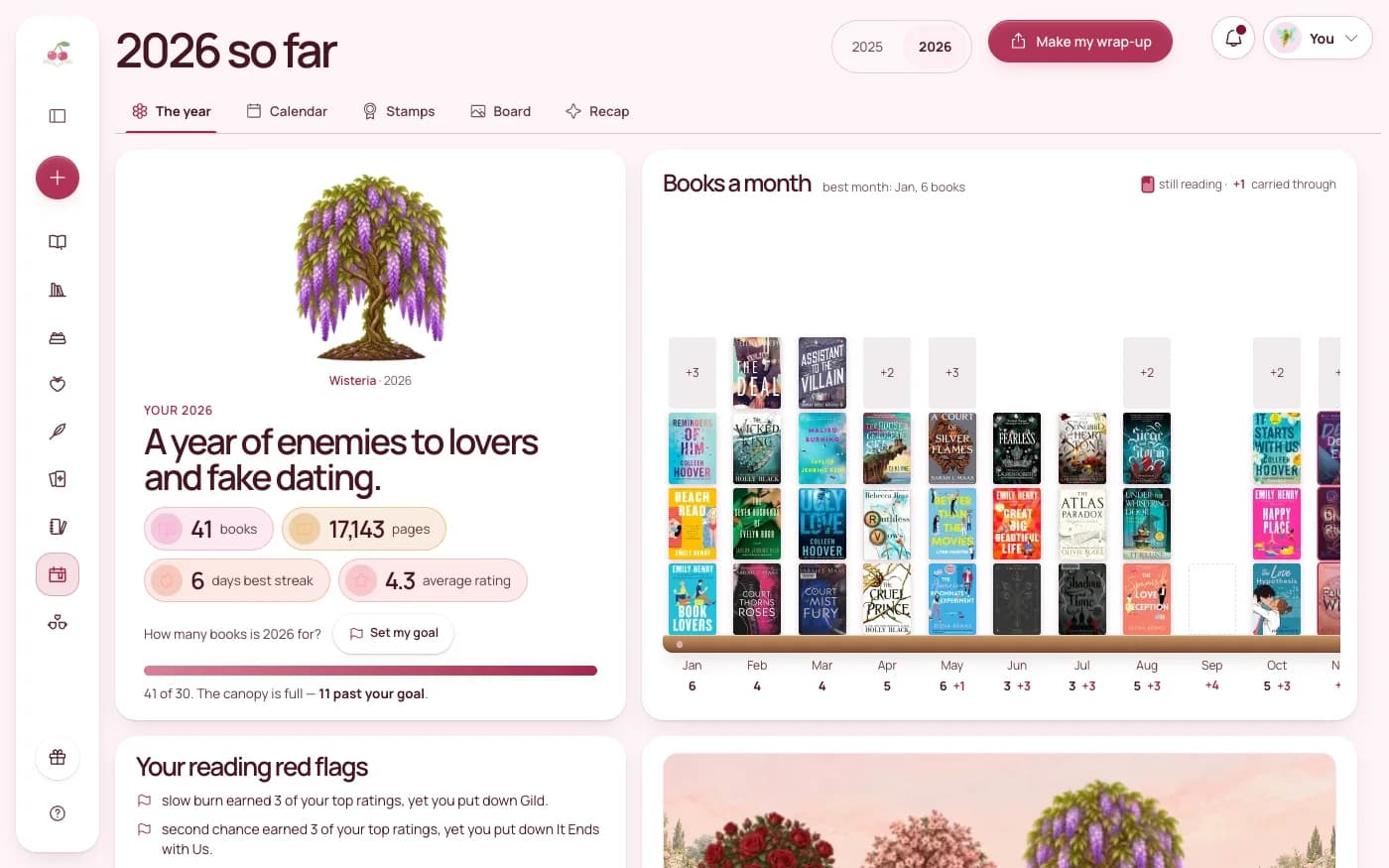
Cherry Books imports any CSV with column mapping: you choose which of your columns is the title, the author, the dates and so on, so a sheet built like the one above comes across in one go. Goodreads and StoryGraph exports work too.
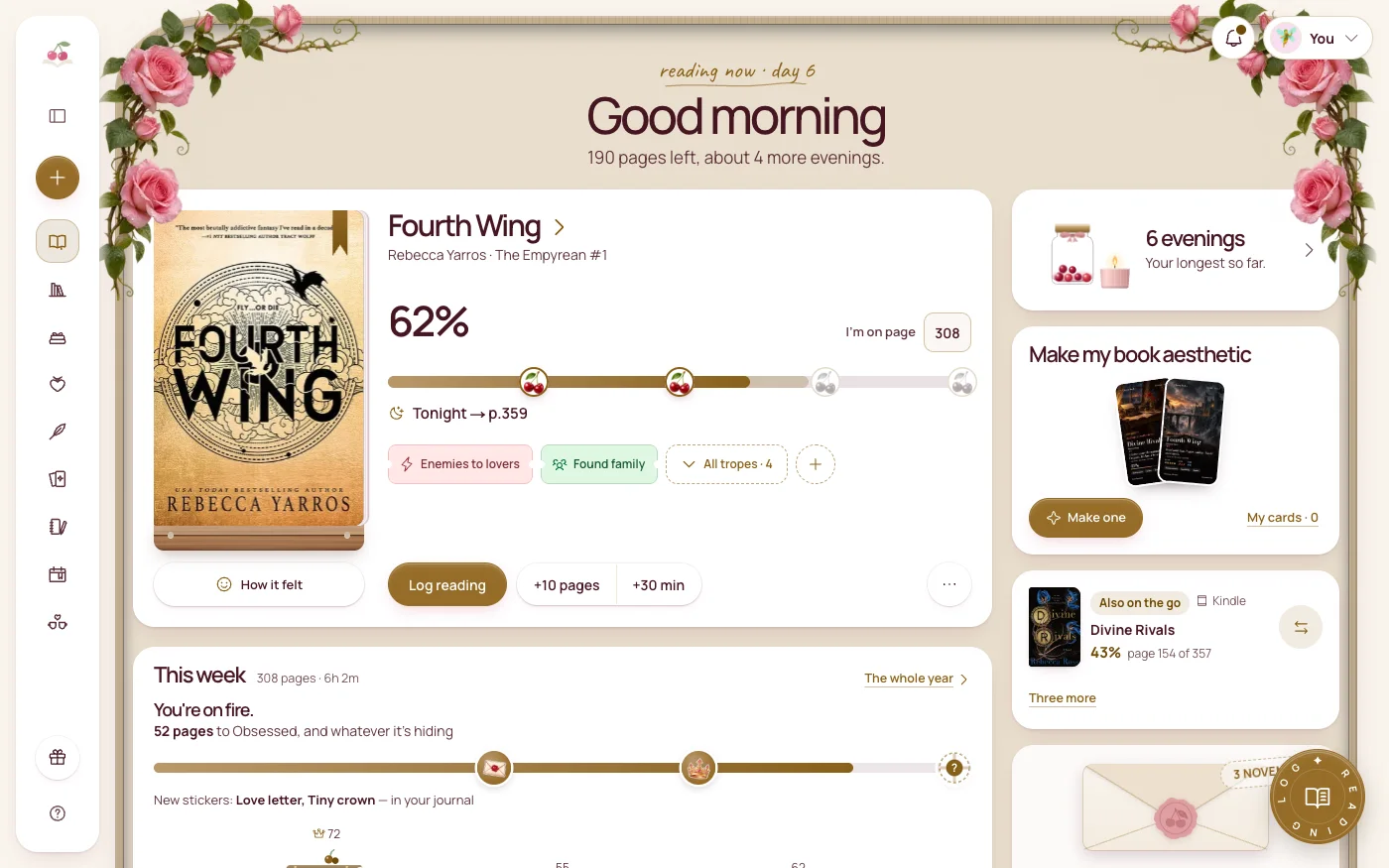
Once your books are in, the counting is done for you. There is a yearly reading goal, a calendar with 48 stamps to collect and a Reading year recap. Each book has a spice meter, a tear meter, trope tags, a separate Content warnings field, its own notebook and a quote wall with page numbers. It runs in the browser on your phone, tablet and laptop, works offline, and you can export a copy of everything in one file whenever you like.
The short version
- One row per book, about fifteen columns, with real dates in Started and Finished.
- Use a dropdown for Status so the words never vary.
- Count books per month with COUNTIFS and EDATE, and pages with SUMIFS.
- Average your rating with AVERAGEIFS on finished books only.
- Log three cells when you start and the rest when you finish.
- Keep the sheet tidy, and it will import cleanly if you move to an app.
A small sheet you keep up beats a perfect one you stopped filling in in March.
Try Cherry Books free for 7 days
Keep your notebooks, quotes, TBR and reading progress together. A payment card is required for the 7-day subscription trial. Cancel before the trial ends to avoid a charge; the monthly plan is $7.99 after the trial.
Keep reading
How to Track the Books You Read Without Making Reading a Chore
Learn a simple system to track books you've read, your reading progress, TBR list, ratings, quotes, and yearly goals without extra work.
How to Set a Reading Goal You Will Actually Keep
Pick a reading goal from your real pace, track it gently and adjust it midyear. A calm guide to reading challenges that do not turn into homework.
How to Wrap Up Your Reading Year: A Year-in-Books Recap Guide
What to count, how to collect it and how to share it: a practical guide to a year-in-books reading recap, with stats worth tracking and prompts.