Notion Book Tracker Template: How to Set One Up (and When an App Is Easier)
On this page
A good Notion book tracker template is one database with a page per book and a small set of properties: a status, a rating, dates, series, and for romance readers, spice, tropes and content warnings. Add a second database for quotes, link the two, and you have a reading log that can grow with you. You can start from a ready-made template in Notion's own template gallery, or build your own in about half an hour with the setup below.
This guide walks through the properties worth having, the views that make it pleasant to use, an honest look at what Notion is good and less good at for this, and what to do if you outgrow it.
Start from a template or from scratch?
Notion's template gallery has plenty of book trackers, including one made by Notion and many by independent creators, some free and some paid. They are a quick way to see what is possible. The catch is that a template made by someone else carries their habits: properties you will never fill in, and gaps where your own reading needs something.
A sensible middle path is to open a template, look at how it is built, then make your own database with only the properties you will really use. Fewer fields that you fill in every time beat thirty fields that stay empty.
The properties worth having
Notion databases support a long list of property types. These are the ones that earn their place in a book tracker.
| Property | Notion type | Why it helps |
|---|---|---|
| Title | Title (the page name) | One page per book, so notes live inside it |
| Author | Text or Select | Select makes it easy to filter by author later |
| Status | Status | To read, Reading, Finished, Did not finish |
| Rating | Number or Select | Use one scale for every book |
| Spice | Number (0 to 5) | How explicit, on your own scale |
| Tears | Number (0 to 5) | How hard it hit |
| Tropes | Multi-select | Three to five per book, filterable |
| Content warnings | Multi-select | Kept apart from tropes |
| Series and number | Select and Number | Read a series in order |
| Started and finished | Date | Feeds a calendar view and yearly counts |
| Quotes | Relation | Links to a separate quotes database |
Status
Notion has a dedicated Status property that groups its options into to-do, in progress and complete. Map your shelves onto it: To read as to-do, Reading and Paused as in progress, Finished and Did not finish as complete. A board view grouped by status then looks like a little bookshelf you can drag books across.
Spice, tears and tropes
Number properties can be shown as a progress bar, which makes a 0 to 5 spice or tear score easy to read at a glance. Keep tropes and content warnings as two separate multi-selects: a trope is what you came for, a warning is what you want to know first. Our guide to spice and tear ratings has a scale you can copy so a 4 means the same thing every time.
Quotes as a relation
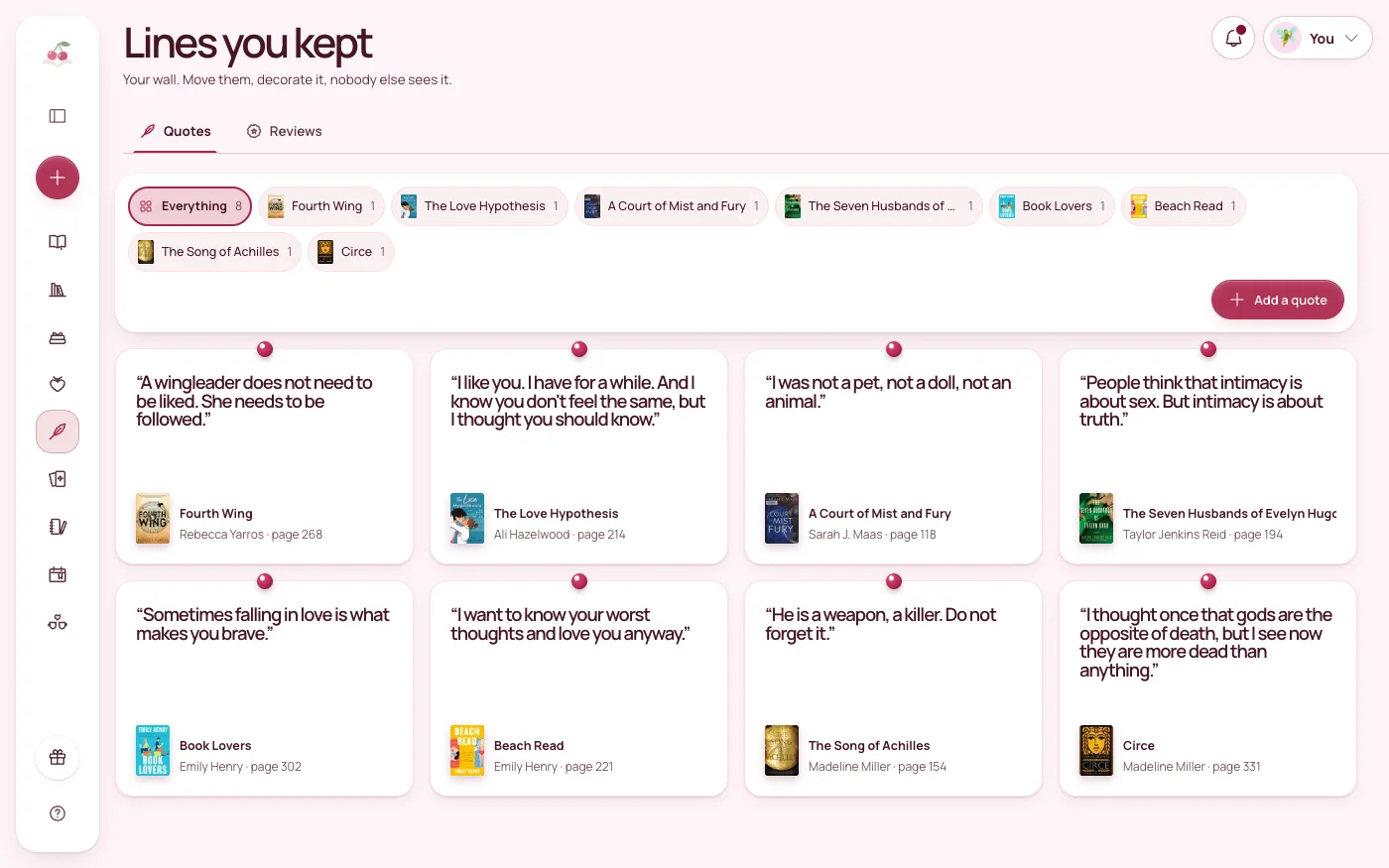
Quotes are where Notion shines. Make a second database called Quotes with the quote as its title, a number property for the page, and a relation property linking it to the book. Now every book page lists its quotes, and the quotes database becomes a searchable wall of every line you have saved. If you want a count of quotes per book, a rollup on the relation can do it. Our guide to saving book quotes covers what to save and how to find it again.
Views that make it pleasant
- Board by status for a shelf you can move books along.
- Gallery for covers, if you add an image to each book.
- Calendar on the finished date, to see your reading month by month.
- A filtered table for your TBR, sorted however you like to choose the next book.
Every view reads the same database, so you only enter a book once.
What Notion does well
- It is yours to shape. Any property, any view, any layout. If you love designing your own systems, that is half the fun.
- Pages are real notebooks. Each book is a full page where you can write as much as you like.
- Relations are powerful. Linking quotes, series or characters to books is something a plain spreadsheet cannot do as neatly.
- It lives with the rest of your life. If you already plan in Notion, your reading sits next to everything else.
- Your data can leave. Notion can export a full-page database as a CSV file, which matters if you ever move.
Where it can be harder work
- You build and maintain it. Notion is a general workspace, not a book app, so the structure, the details of each book and every fix are up to you.
- Offline is limited. Notion's help pages say offline pages work in the desktop and mobile apps, not in a web browser, and you choose which pages to keep available offline. For a database, the first 50 rows of its first view are downloaded with the page.
- Nothing is made for romance by default. Spice, tears and tropes exist only if you add them, and any stats or recaps are formulas and views you set up yourself.
- Sharing is a page, not a picture. Turning your month into a post for Instagram or TikTok means screenshots and editing elsewhere.
None of these are dealbreakers. They are the price of total flexibility, and plenty of readers happily pay it. If you enjoy tinkering, Notion is a lovely place for a reading log. If you would rather just read and log, a dedicated app does more of the work for you. Our guide to keeping a digital reading journal helps you decide what you actually want to record either way.
When a dedicated app is easier
A book tracker app is usually the better fit when you notice that you spend more time adjusting the system than logging books, when you want to log quickly on your phone without opening a large workspace, or when you want things like a yearly recap, a reading goal or shareable cards without building them yourself.
Moving does not mean starting again. In Notion, open the database as a full page, choose Export from the ••• menu and pick Markdown & CSV. You get a zip file with a CSV of your database inside, which any app that imports spreadsheets can read. Keep that file somewhere safe as a backup too. Our guide to moving your shelf between apps covers what to check in a CSV before you import it.
How Cherry Books handles it
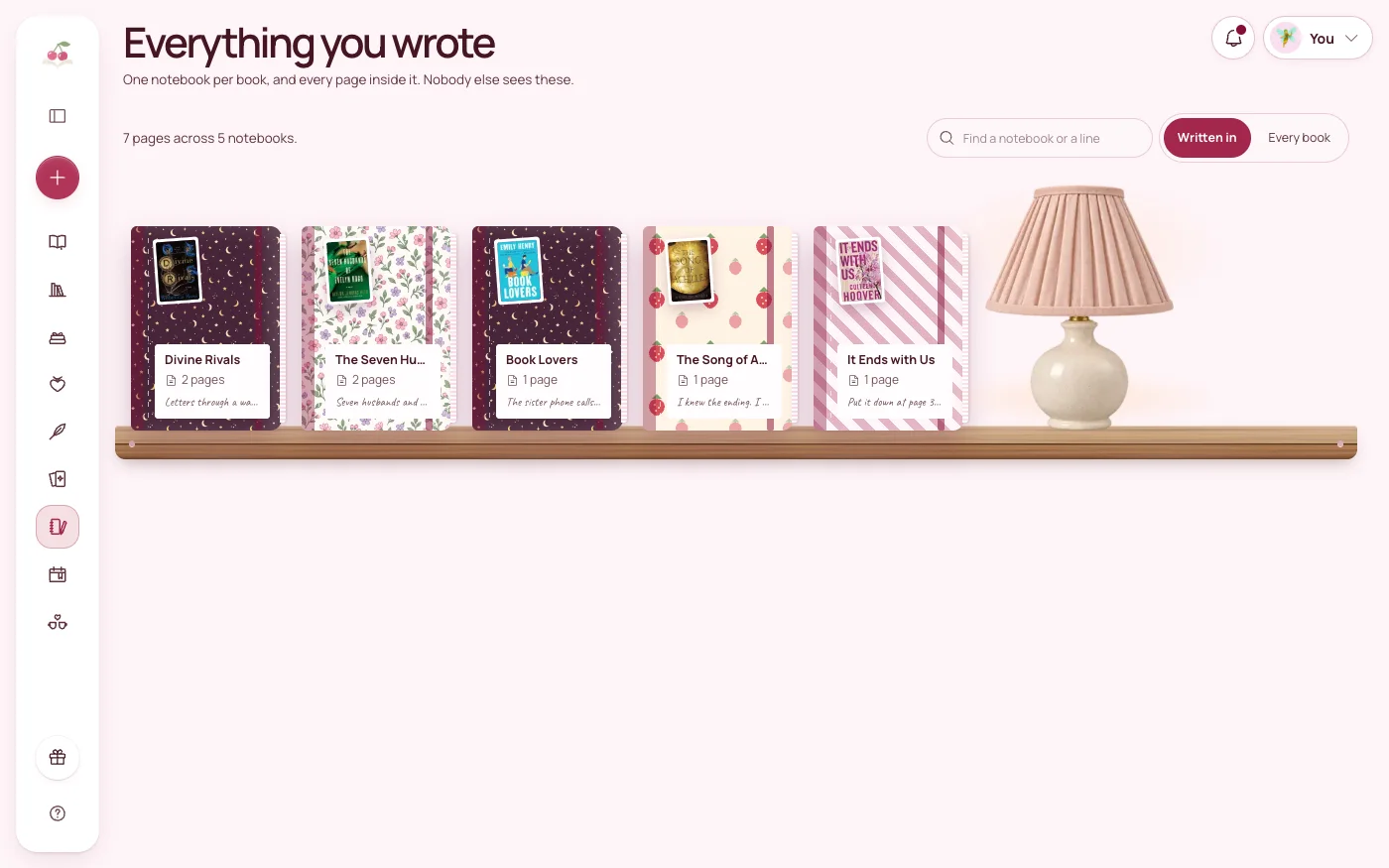
Cherry Books is a reading tracker built for romance and romantasy readers, so the fields you would add to Notion by hand are already there: a shelf with Reading, Paused, To read, Finished, Wishlist and Didn't finish, a spice meter and a tear meter from 0 to 5, trope tags, and a separate Content warnings field. Every book has its own notebook, and the quote wall keeps each line with its page. Series, Collections, Genres and Characters each have their own tab.
It imports any CSV with column mapping, so your Notion export comes across with its columns matched to the right fields. It runs in the browser on your phone, tablet and laptop, works offline, and everything you write is private. If you ever want to leave, you can export a copy of everything in one file.
The short version
- Start from a template for ideas, then keep only the properties you will fill in.
- Use Status for shelves, numbers for rating, spice and tears, and multi-selects for tropes and warnings.
- Keep quotes in their own database, linked to books with a relation.
- Add a board, a gallery and a calendar view on the same database.
- If you outgrow it, export the database as CSV and import it into an app.
The best tracker is the one you still open after the hundredth book, whether you build it or not.
Try Cherry Books free for 7 days
Keep your notebooks, quotes, TBR and reading progress together. A payment card is required for the 7-day subscription trial. Cancel before the trial ends to avoid a charge; the monthly plan is $7.99 after the trial.
Keep reading
How to Start a Digital Reading Journal (and Actually Keep Using It)
Learn how to make a digital reading journal you'll enjoy using, with simple layouts, book notes, quotes, and reading reflections.
How to Save Book Quotes and Actually Find Them Later
Save the lines you love with the book, the page and a tag, so you can search your quotes later instead of scrolling a notes app for ten minutes.

How to Move Your Goodreads Shelf to Another App (Export and Import Guide)
Export your Goodreads library as a CSV, check the file and import it into a new reading tracker without retyping a title. StoryGraph export included.