BookTok Books to Read: How to Turn Saved Videos into a TBR You Finish
On this page
The best way to handle BookTok books to read is to stop saving them in five places and start writing them down in one: the title, who recommended it, the trope that sold you and one line on why. Once a week, sort that list into a wish list, a TBR and a short Up next pile, and check spice and content warnings before you buy. That is how a feed of recommendations becomes books you actually read.
This guide does not give you another list of titles. It gives you a way to handle the ones you have already saved.
Why saved videos rarely become reading
A saved video is a bookmark to a feeling: someone whose taste you trust was excited about a book. Weeks later you open your saved tab and find a cover you half remember, no title on screen and no idea why you saved it. Add the screenshots, the notes app and the shop basket, and recommendations pile up faster than anyone could read them.
The fix is not more willpower. It is a small, slightly boring system that catches the useful part of a video while you still remember it.
Step 1: Capture in one place
Pick one home for every book recommendation, whichever app it came from. Each time a video makes you want a book, write down four things:
| What | Example | Why it matters |
|---|---|---|
| Title and author | As shown on the cover or in the caption | Saved videos are hard to search later |
| Who recommended it | The creator, or the friend who sent it | Over time you learn whose taste matches yours |
| The trope | *Grumpy sunshine*, *enemies to lovers* | It is usually the real reason you saved it |
| Why | One line: *the banter*, *a slow burn* | Tells future you what you were hoping for |
It takes thirty seconds a book. If you only have five, write the title and the trope, and fill in the rest at your weekly sort.
Step 2: Sort once a week
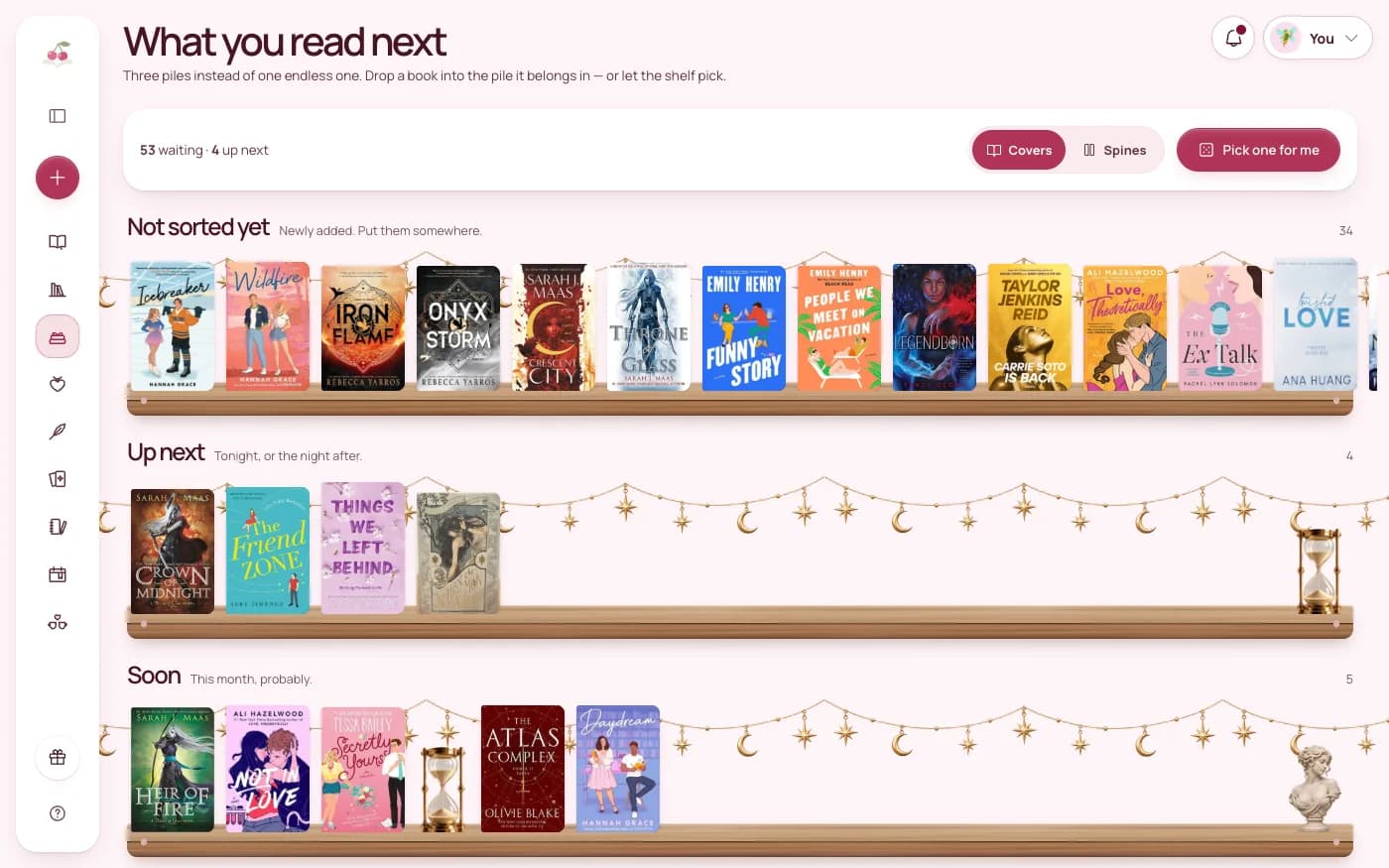
Once a week, with a cup of something, go through what you captured. Every book goes into one of three places, or out:
- Wish list: books you want but would need to buy, or are not ready for yet. Most new saves start here.
- TBR: books you own or can borrow and genuinely plan to read.
- Up next: the three to five books you will read soonest. Keep it short so it means something.
- Let it go: if you cannot remember why you saved it and the trope no longer appeals, delete it. That is not failure. It is editing.
Keeping the wish list apart from the TBR is the important part. One is maybe one day, the other is on my shelf, waiting. Mixed together, both feel endless. Our guide to managing your TBR has more on keeping the pile from taking over.
Step 3: Check before you buy
A video shows you the best two minutes of someone else's reading. Before a book moves from your wish list to your basket, check three things:
- Tropes. Does it really use the trope you want, and is it the heart of the story or a side note? Our guide to tracking tropes helps you keep the list tidy.
- Spice. Look for the author's own note or readers' ratings, and compare them with what you enjoy. Two readers' spicy can be very different books.
- Content warnings. Many authors list them on their website or at the front of the book. Our guide to tracking content warnings shows what to write down.
Write what you find next to the book. Then, when you see it on sale, the decision is already made.
Step 4: Avoid hype-buying
- Wait a week. If a book is still on your wish list after the weekly sort, it was more than the video.
- Read the first pages. A sample or the opening chapter tells you more about the voice than any review.
- Set one simple rule. For example: buy a new book only when one from Up next is finished.
- Notice whose picks you love. Your who recommended it notes show which creators match your taste. Give their next recommendation more weight, and the others a little less.
Step 5: Close the loop
When you finish a BookTok pick, or stop reading it, write one line on whether it lived up to the hype, and rate the spice and the tears. After a few months a pattern appears: the tropes you keep saving but rarely finish, and the creators whose picks you always love. That pattern makes the next scroll much easier.
How Cherry Books handles it
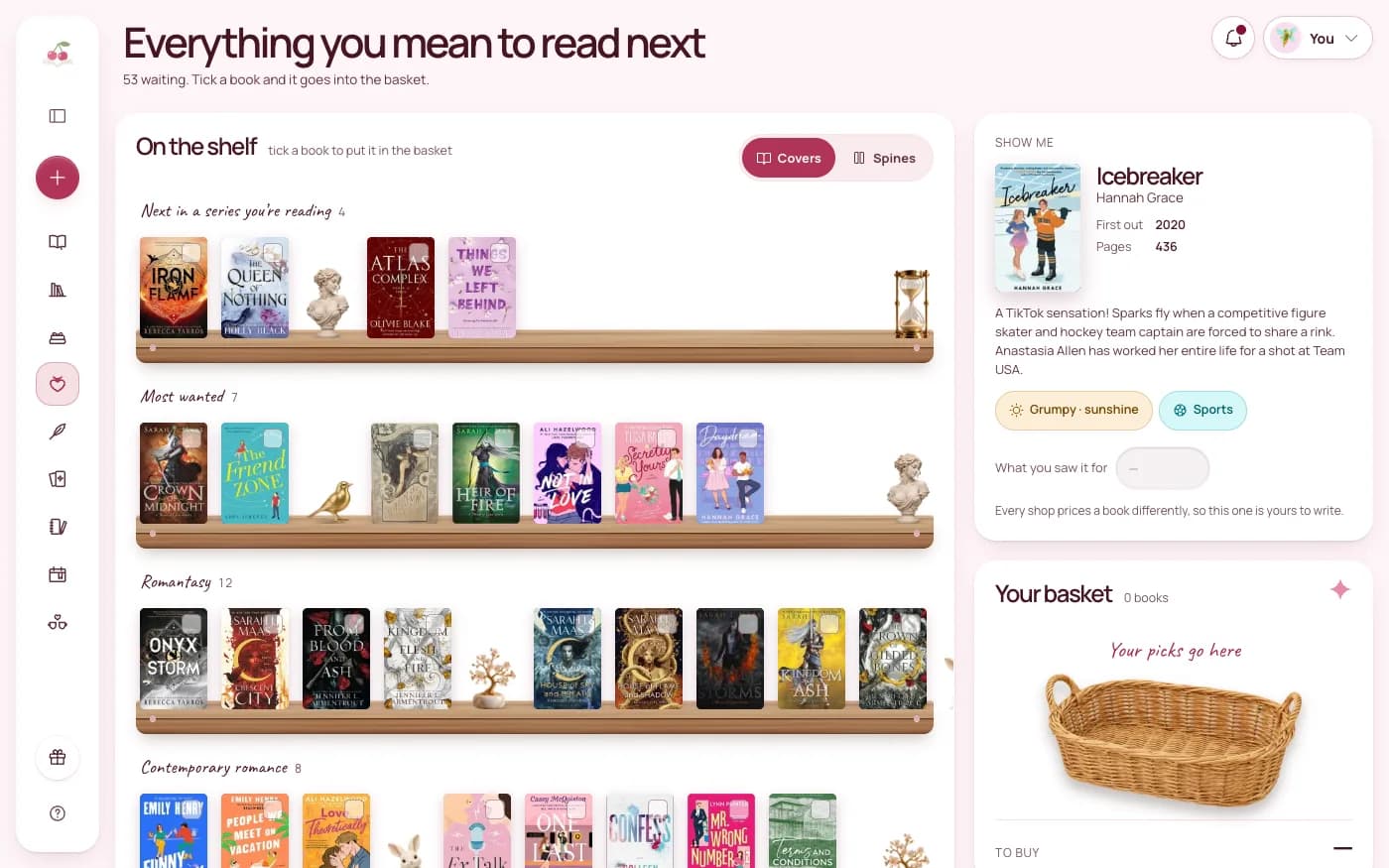
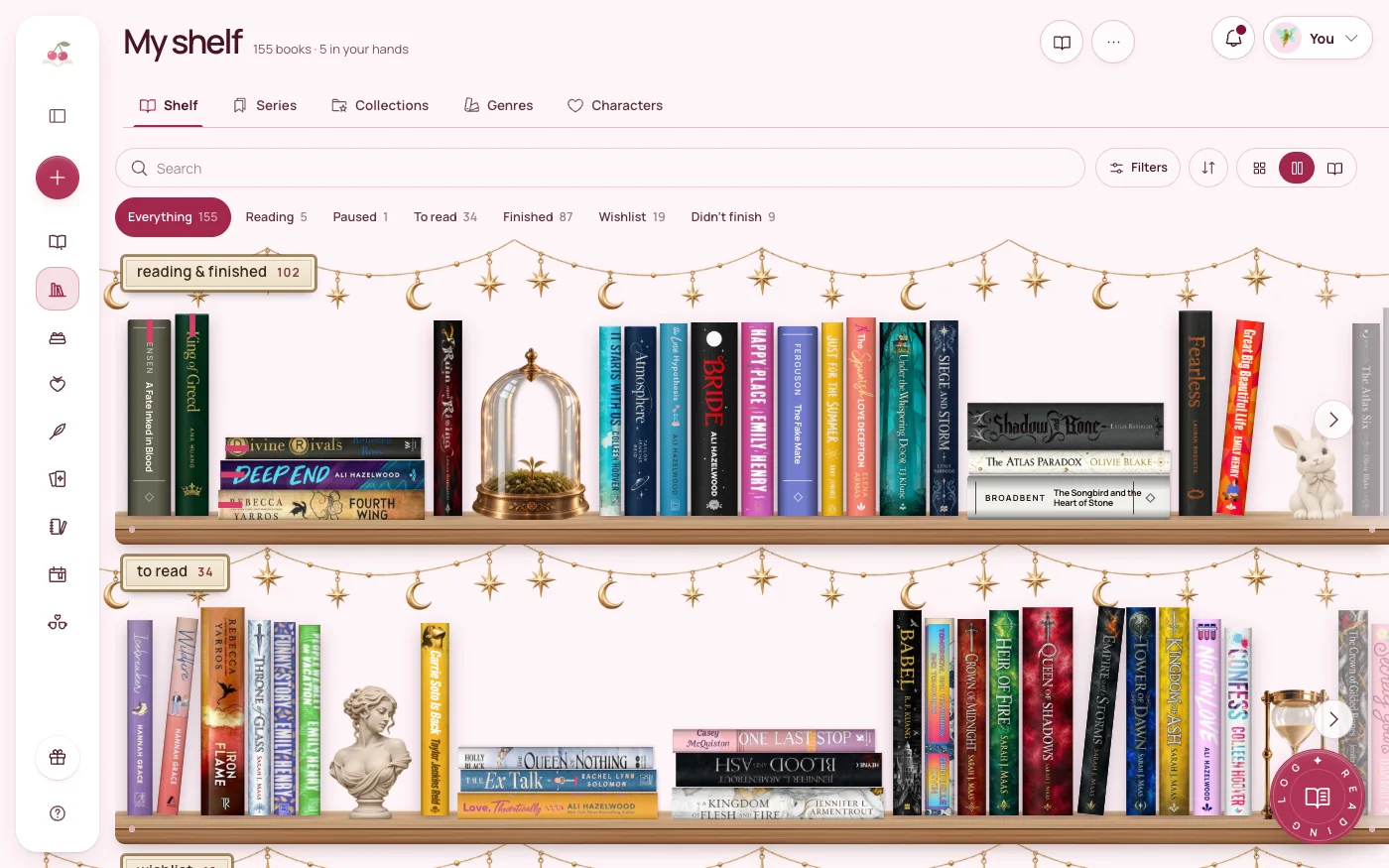
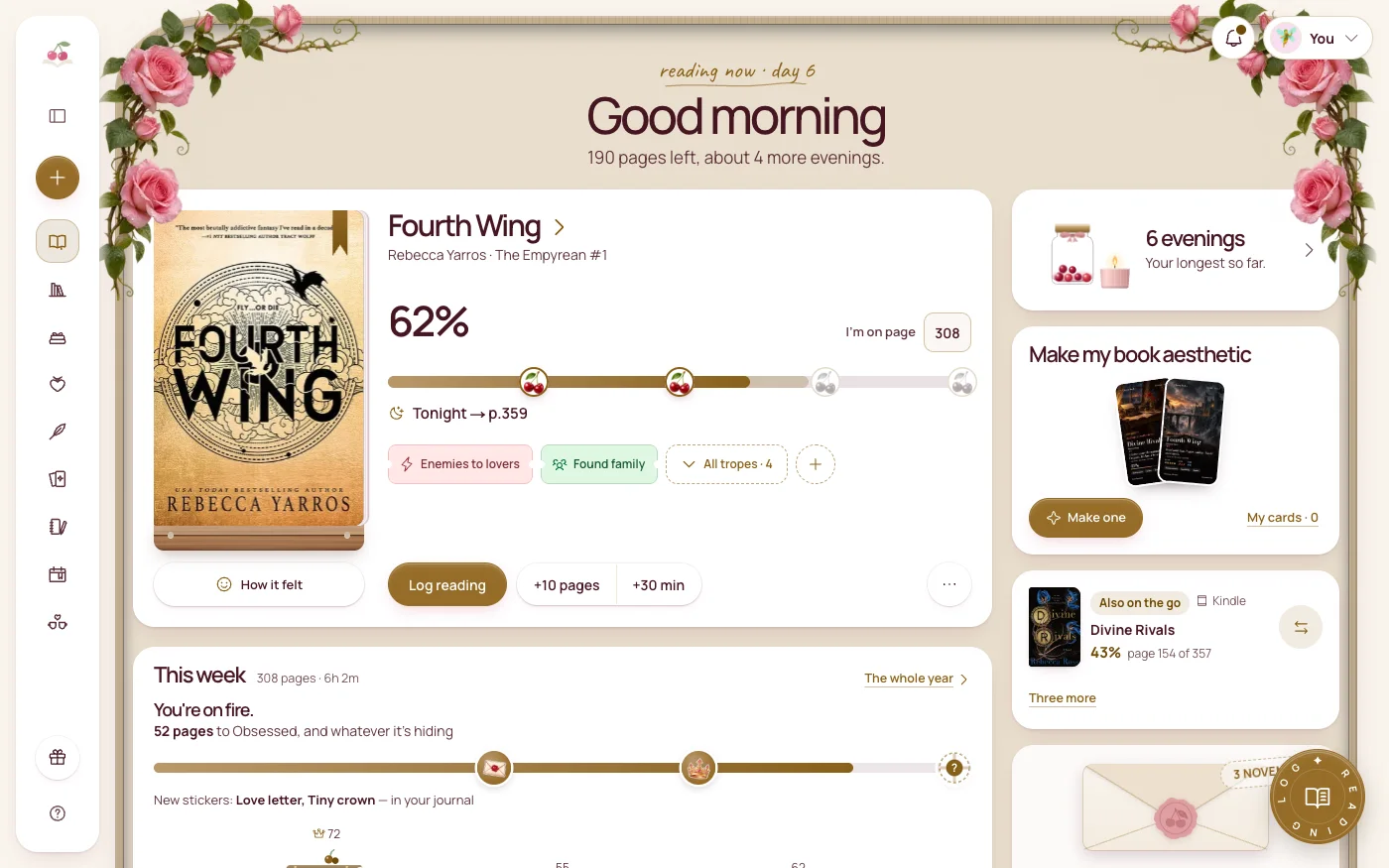
In Cherry Books, every book you save can carry trope tags, a spice meter and a tear meter from 0 to 5, and a separate Content warnings field, with a notebook for the who recommended it and why. Books you want to buy go on the wish list, where ticking one puts it in a basket. Books you own wait on To read, and the Up next shelf holds your short pile.
Shelf filters such as Spice at least narrow things down, and when you still cannot choose, the Pick your next read spinner picks for you. When you finish, story cards and video templates help you post your own take back to BookTok. Everything you write is private.
The short version
- Capture every recommendation in one place: title, who, trope and why.
- Sort once a week into wish list, TBR and Up next, and delete what no longer appeals.
- Check tropes, spice and content warnings before you buy.
- Wait a week and read the first pages before you hype-buy.
- After reading, note whether it lived up to the hype.
BookTok is a wonderful place to find books. A short, tidy list is how you get to read them.
Try Cherry Books free for 7 days
Keep your notebooks, quotes, TBR and reading progress together. A payment card is required for the 7-day subscription trial. Cancel before the trial ends to avoid a charge; the monthly plan is $7.99 after the trial.
Keep reading
How to Manage a TBR That Has Gotten Out of Hand
A calm method for taming a huge to-be-read list: three piles, a short up-next shelf, a wish list with a basket and a random pick for undecided nights.
How to Track Tropes in the Romance Books You Read (and Use Them to Find Your Next One)
Tag two to four tropes on every romance you read, pick which ones to keep, and filter your shelf by trope to find your next book.
How to Track Content Warnings for the Books You Read
Keep a short, private list of content warnings for every book, separate from your tropes, so you know what to expect before you start.